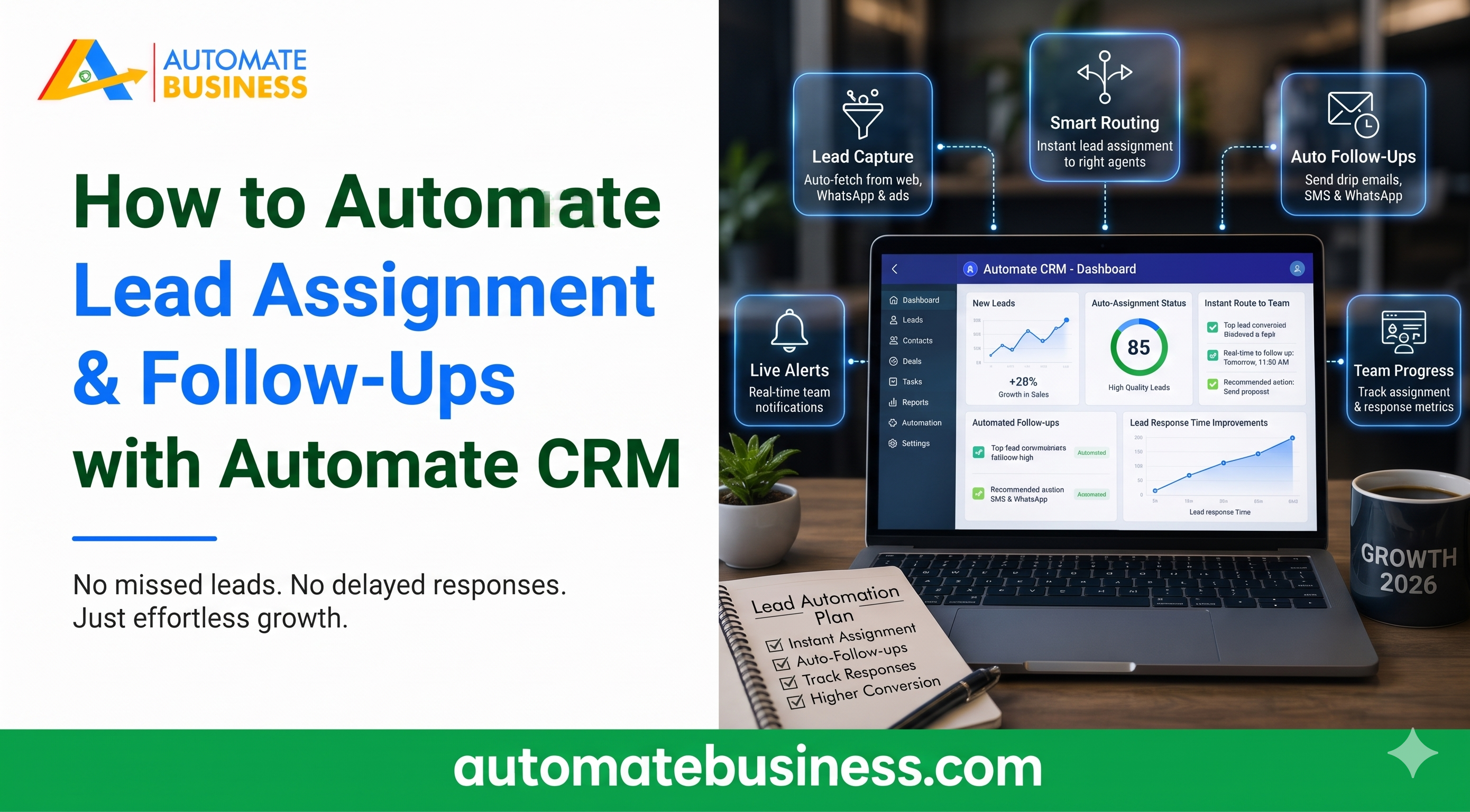
How to Automate Lead Assignment and Follow-Ups with Automate CRM
Learn how to automate lead assignment and follow-ups with Automate CRM: capture India MART leads, set reminders, trigger WhatsApp messages and track every deal.
Join the Business AI Summit 2027

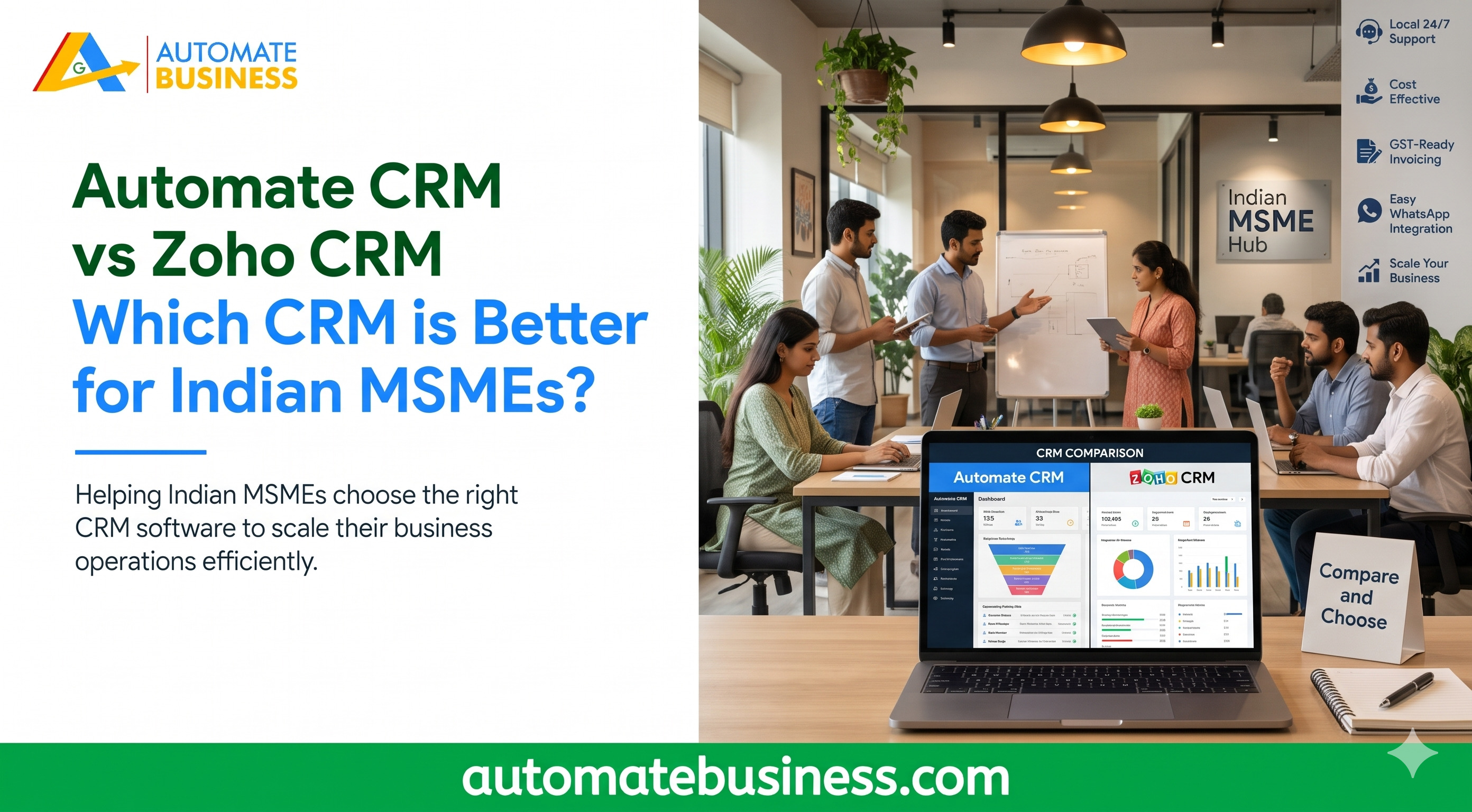
Automate CRM vs Zoho CRM comes down to how your team is structured and how you sell. Automate CRM Software is usually the better fit for Indian MSMEs with larger sales teams. It charges a flat workspace price with unlimited users and includes IndiaMART, quotations and Razorpay payment links. Zoho CRM suits businesses that want deep customization and already use other Zoho apps.
This guide compares both tools on pricing, lead capture, follow-up automation, quotations, AI and scalability. By the end, you will know which CRM software for Indian MSMEs matches your budget and workflow.
What Is Automate CRM Software?
Automate CRM software is a sales CRM built for growing Indian businesses. It keeps enquiries, follow-ups, quotations and payments in one workspace. Every plan includes unlimited users.
The product replaces the usual mix of Excel sheets, WhatsApp chats and memory. Leads from portals flow into pipelines automatically. Managers see pipeline value, follow-ups and collections by owner, pipeline and date.
It also supports mobile updates for field teams. Reps can log notes, follow-ups and next actions while travelling. This matters for distribution, real estate and manufacturing businesses.
What Is Zoho CRM?
Zoho CRM is a well-known customer relationship management platform from Chennai-based Zoho Corporation. It offers a free edition for up to three users. Paid editions are Standard, Professional, Enterprise and Ultimate.
Its biggest strength is the wider Zoho ecosystem. Businesses already using Zoho Books or Zoho Mail get tight integration. It also offers deep customization for complex sales processes.
The trade-off is per-user pricing. Costs rise with every salesperson you add. Advanced AI and customization features sit in higher-priced tiers.
CRM Pricing in India: Per-User vs Flat Workspace Pricing
Pricing is where the two tools differ most. Zoho CRM charges per user per month. In India, Standard, Professional and Enterprise editions are commonly listed at roughly ₹800, ₹1,400 and ₹2,400 per user monthly on annual billing. Confirm current rates on Zoho’s website.
Automate CRM software charges one fixed price per workspace. Starter is $50 a month, billed yearly at $599. Growth AI is $119 a month, Scale Max is $203 a month, and Enterprise starts at $323 a month. All prices exclude GST, and 18% GST applies to India (INR) prices at checkout.
Consider a 10-person sales team on Zoho Professional. That is roughly ₹14,000 a month before GST. Adding five more reps raises the bill again.
With Automate CRM software, adding five reps changes nothing. That makes it a strong CRM with unlimited users for teams that plan to grow. AI credits and provider charges for WhatsApp, calling and payments may cost extra.
Lead Capture: IndiaMART CRM Integration and More
Most Indian MSMEs get leads from marketplaces and ads. Manual copying from portals wastes hours and loses enquiries. Automatic capture fixes this.
Automate CRM’s software Growth AI plan connects IndiaMART and Facebook Lead Forms. You choose the destination pipeline and map supported fields. Scale Max adds TradeIndia, API access and outbound webhooks.
You can also import leads, contacts and products from CSV. The tool lets you map columns and preview records before importing. All plans include data export.
One customer, CEO Akhil Singh, said his team was losing 30% of IndiaMART leads to manual follow-ups. After switching, lead-to-deal conversion rose by 45% in three months. Results vary by business, but the pattern is common.
Follow-Up Automation and WhatsApp CRM Automation
Missed follow-ups are the biggest silent revenue leak in small sales teams. A good CRM should remind reps before a lead goes cold. It should also trigger the next step automatically.
Automate CRM software schedules, filters and reminds follow-ups. On Growth AI and Scale Max, a stage change can create tasks or follow-ups. It can also send WhatsApp and email templates. Messaging requires a configured provider.
You can connect WhatsApp Business or Automate Chats. For email, you can connect Gmail, Outlook, Zoho Mail or SMTP. That means WhatsApp CRM automation fits into daily selling without extra tools.
Zoho CRM also offers workflow automation. Its higher capabilities, however, depend on the edition you buy. Compare the exact tier before you commit.
Quotations and Payment Collection in One Workflow
Closing a deal often happens outside the CRM. Reps prepare quotes in Word, share them on WhatsApp and chase payments separately. This breaks reporting.
Automate CRM software keeps this in one flow. On Growth AI and Scale Max, you can prepare quotations with products, charges and payment terms. You can export them as PDFs and create Razor pay payment links.
A confirmed payment can move the lead to Won automatically. Managers then see collections beside pipeline value. For businesses that quote often, such as traders and manufacturers, this saves real time.
AI Features: Sales Assistant, Calling and Summaries
AI is now a core part of sales automation software. The question is what you get at your price point.
Automate CRM’s software AI tools summarize lead activity, draft emails and build pipeline templates. A CRM assistant helps during the sales day. Growth AI includes Bolna AI calling, and Scale Max adds Sarvam AI.
Scale Max also supports Exotel and Voxbay calling with call logs. Access depends on permissions, credits and provider setup. Zoho’s AI features are generally associated with its higher-priced tiers, so check which edition includes what you need.
Capacity and Scalability
Your CRM should not become a bottleneck as you grow. Capacity limits matter more than most buyers expect.
Starter includes 3 pipelines, 5,000 leads and 5,000 contacts. Growth AI offers 10 pipelines and 100,000 leads and contacts. Scale Max goes to 100 pipelines and 1,000,000 leads and contacts.
Multiple pipelines help multi-product businesses separate sales processes. Each pipeline can have custom stages and custom fields. Role-based access lets branch-led teams limit who sees which records.
Growth AI adds advanced roles and permissions, custom branding and priority support. Scale Max adds custom reports. Enterprise terms are agreed with sales.
Automate CRM vs Zoho CRM: Which Should You Choose?
Choose Automate CRM if you:
Choose Zoho CRM if you:
For most Indian MSMEs, simplicity wins. A CRM that your team actually uses beats a powerful one that sits idle. Automate CRM is built around how Indian sales teams work day to day.
Frequently Asked Questions
Final Verdict
Both tools are capable, but they serve different buyers. Zoho CRM rewards teams that want deep customization and a wider app ecosystem. Automate CRM software rewards teams that want fast setup, unlimited users and a sales workflow from enquiry to payment. If you want to see how it fits your pipelines, lead sources and team permissions, book a demo of Automate CRM software
Get more insights every week. Join Kewal's free WhatsApp community for live sessions and automation tips.
Join 12,000+ MSMEs who automated their business. Join the 2 day live hackathon today.