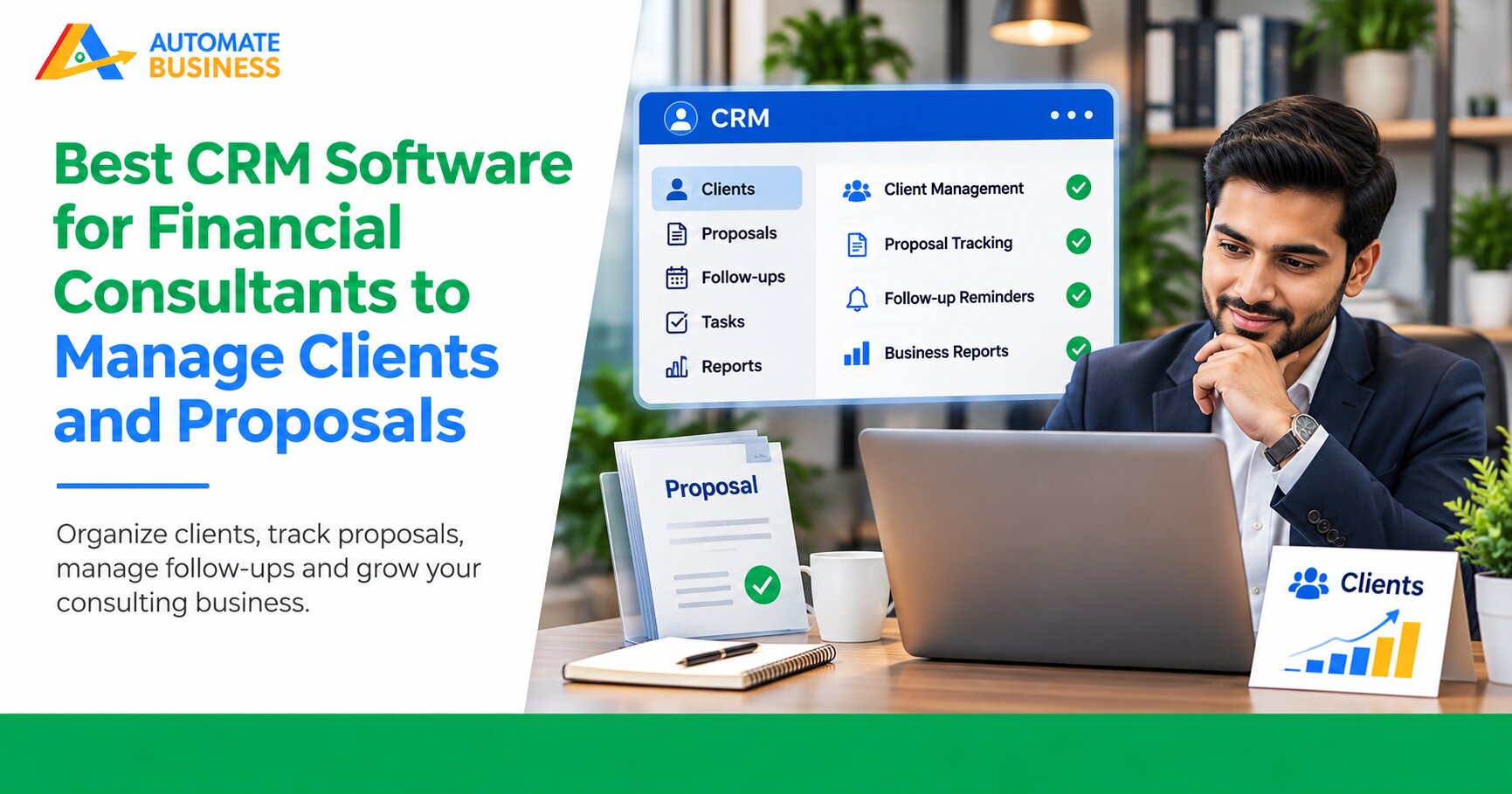
Best CRM Software for Financial Consultants to Manage Clients and Proposals
Looking for the best CRM software for financial consultants? See how Automate CRM manages clients, follow-ups and proposals in one simple system.
Join the Business AI Summit 2027

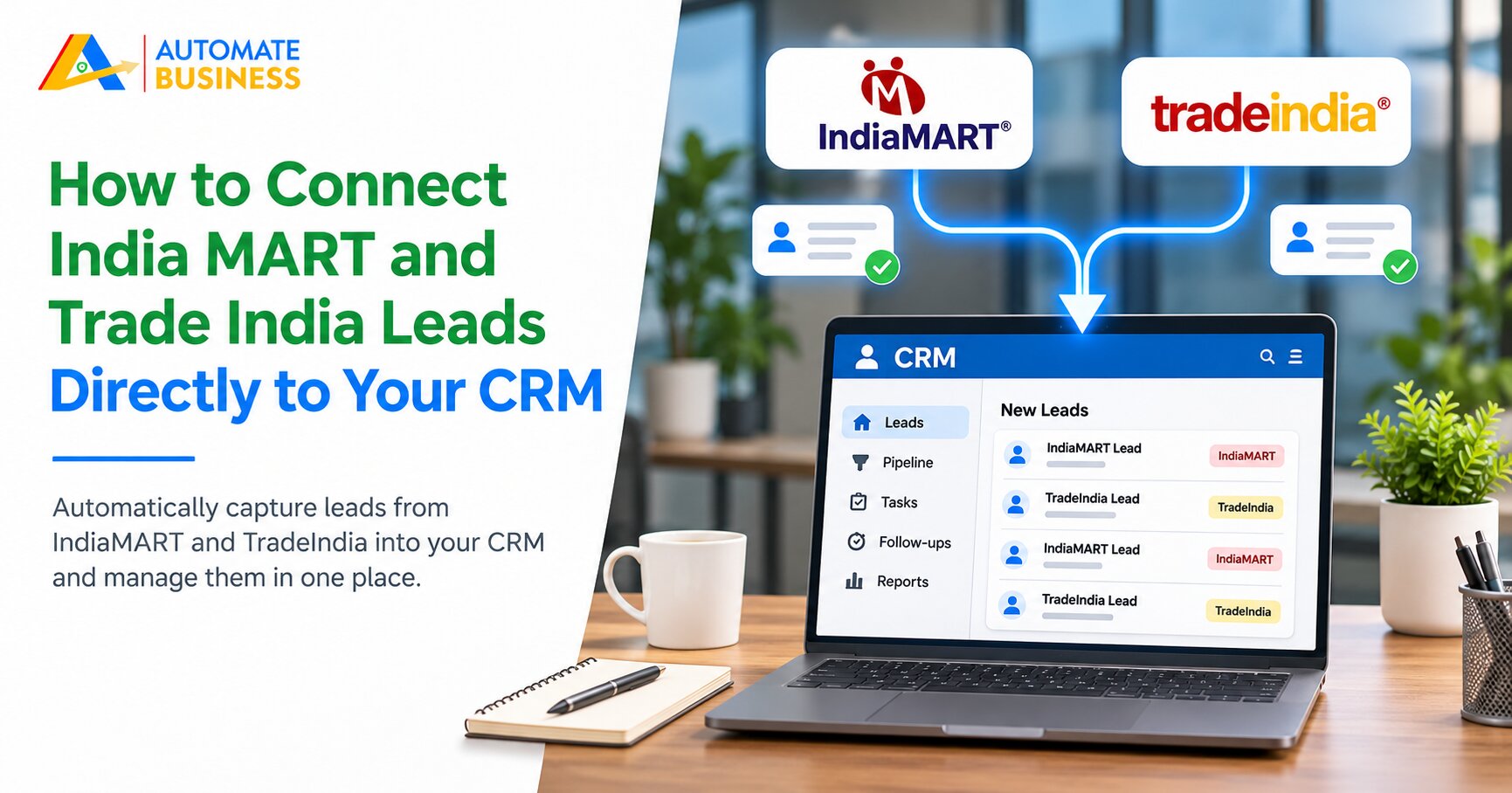
You can connect India MART and Trade India leads directly to your CRM by linking each portal to Automate CRM Software and choosing a destination pipeline for the enquiries. India MART connects on the Growth AI and Scale Max plans, and Trade India connects on Scale Max. Once linked, new enquiries land in your pipeline without copying and pasting.
This guide explains why portal leads get lost and how the integration works for each portal. It also covers how to set up follow-ups, what to check before you start, and which plan fits your team.
Why Portal Leads Slip Through the Cracks
If you sell on India MART or Trade India, you know the pattern. An enquiry arrives, someone sees it on a phone, and it gets forwarded to a WhatsApp group.
By evening, nobody remembers who was supposed to call. The buyer has already spoken to a competitor.
One CEO using Automate CRM said his team was losing about 30% of India MART leads because follow-ups were manual. After switching, his lead-to-deal conversion rose by 45% in three months. Results vary by business, but the lesson is clear.
Speed and ownership decide who wins a B2B enquiry. A CRM gives every lead an owner and a next step from the first minute.
Who This Setup Is Built For
This guide is for business owners, sales managers and inside sales teams at manufacturing, trading and service firms. You probably receive dozens of portal enquiries every week.
Owners want one view of lead sources and closures. Managers want to assign leads by product line and see rep-wise performance. Sales reps want a clean list of who to call today.
Field teams matter too. They can update notes, follow-ups and next actions from mobile while on the move. Automate CRM supports all of these roles with unlimited users on every plan.
How to Connect India MART Leads to Your CRM
India MART CRM integration is available on the Growth AI and Scale Max plans. The goal is simple: every India MART enquiry should become a lead in your pipeline automatically. Start by choosing the destination pipeline. This is the pipeline where new India MART enquiries will appear, such as "New Enquiries" for a product line.
Next, map the supported fields. This tells the CRM where to place the buyer's name, company, phone number and requirement. Then complete the provider configuration so the connection is live. After that, each new enquiry arrives as a lead with its source labelled as India MART. You can see it on the Kanban board or in list view. No one has to re-type anything.
How to Connect Trade India Leads to Your CRM
Trade India CRM integration starts on the Scale Max plan. The steps follow the same logic as India MART, so your team does not need to learn a new process.
Choose the destination pipeline first. If you run several product lines, you can route Trade India enquiries into a separate pipeline from India MART ones. This keeps reporting clean.
Then map the supported fields and finish the provider setup. Scale Max also gives you API keys and outbound webhooks. These help if you want to send lead, contact, stage-change or follow-up events to other software.
What About Facebook, Google Ads and Other Sources?
Most MSMEs do not rely on only one source. Growth AI also connects Facebook Lead Forms, so ad enquiries can flow into the same pipeline as your portal leads. The CRM also supports Google Ads lead-form setup. Confirm availability for your workspace and complete the provider configuration before you rely on it.
For leads that come from trade shows or old spreadsheets, use CSV import. You can import leads, contacts and products, map your columns and preview the records before importing. You can also check import progress. This means all your enquiries end up in one place. Whether a lead came from a portal, an ad or a business card, the timeline looks the same.
Set Up Follow-Up Automation After Capture
Capturing leads is only half the job. The real value comes from what happens in the first hour.
On Growth AI and Scale Max, you can automate the next step when a lead changes stage. The CRM can create a follow-up or task. It can also send a WhatsApp or email template.
Here is a simple example. When a new India MART lead arrives, a follow-up is created for the assigned rep. When the lead moves to "Qualified", a WhatsApp template can go out with your catalogue.
Messaging needs a configured provider. You can connect WhatsApp Business or Automate Chats, plus Gmail, Outlook, Zoho Mail or SMTP. One provider can be connected per category at a time.
Assign, Filter and Never Miss a Callback
Once leads arrive, assignment is the next step. Lead assignment lets you give each enquiry to the right rep, whether by product, region or workload.
Multiple pipelines with custom stages let you separate sales processes. A steel trader and a machinery dealer inside the same company can each have their own flow.
Reps can filter follow-ups to see what is due today. Reminders cut down on forgotten callbacks. Each lead has a timeline with notes, attachments, tasks and follow-up history.
Managers can review pipeline value, follow-ups and collections by owner, pipeline and date. That means no more asking each rep for a status update.
Use AI to Respond Faster
Portal buyers often send many enquiries at once. The first supplier who replies with a clear quote usually has the edge.
Automate CRM Software includes AI tools that summarize lead activity, draft emails and assist during the sales day. For example, an AI lead summary can tell you that a buyer wants bulk quantities and that the quote should go out today. Growth AI also includes Bolna AI calling, and Scale Max adds Sarvam AI. Access depends on your permissions, credits and provider setup.
From Enquiry to Quotation to Payment
Many tools stop at lead capture. Automate CRM carries the lead through to closing.
On Growth AI and Scale Max, you can prepare quotations with products, charges and payment terms. You can export them as PDFs and create Razor pay payment links. A confirmed payment can move the lead to Won.
This keeps everything in one workflow. Your team does not need to jump between a portal, a spreadsheet, a billing tool and a chat app.
A Quick Checklist Before You Start
A few checks make setup smoother.
New workspaces can try the CRM for 7 days without a credit card. This is a good time to test one source and one pipeline before you roll out to the whole team.
Frequently Asked Questions
Final Thoughts
Connecting India MART and Trade India to your CRM removes the slowest part of B2B selling: manual data entry. With Automate CRM Software, enquiries flow into the right pipeline, reach the right rep and trigger the right follow-up. Start with one portal and one pipeline, then expand as your team gets comfortable. Try the 7-day trial or book a demo to see the integration work with your own lead sources.
Get more insights every week. Join Kewal's free WhatsApp community for live sessions and automation tips.
Join 12,000+ MSMEs who automated their business. Join the 2 day live hackathon today.