Unlimited User CRM vs Per User CRM Pricing: Which Saves More Money?
Unlimited user CRM vs per user CRM pricing: compare real CRM costs, hidden fees and team growth to see which pricing model saves more money.
Join the Business AI Summit 2027

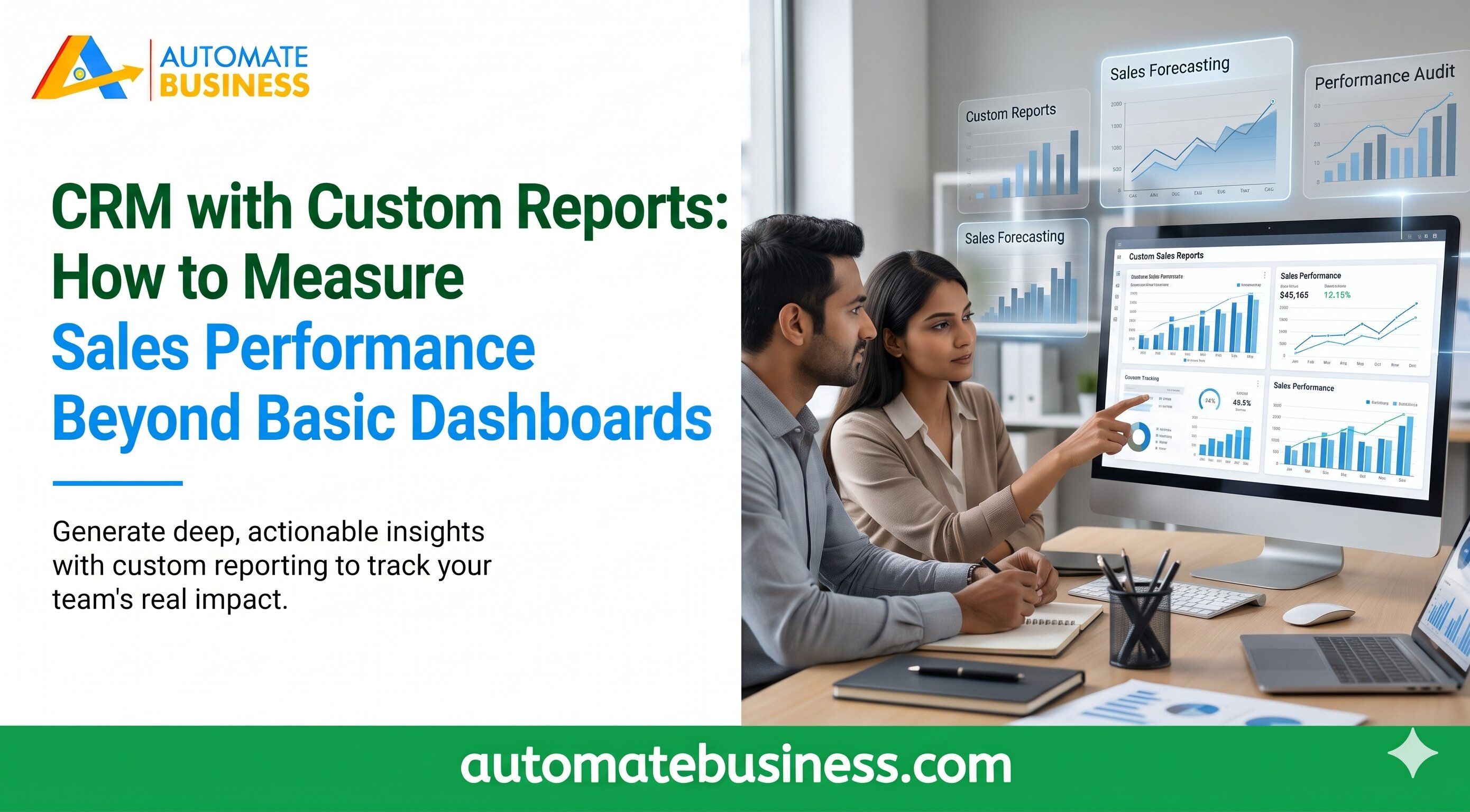
A CRM with custom reports is the best way to measure sales performance beyond basic dashboards. Dashboards show what is happening, while custom reports answer why it is happening and what to change. Automate CRM Software includes dashboards and analytics on every plan, and adds custom reports on its Scale Max plan.
This guide explains where basic CRM dashboards fall short and which sales performance metrics matter most. It also covers how Automate CRM supports sales reporting and how to choose the right plan.
Why Basic CRM Dashboards Are Not Enough
Basic CRM dashboards give a quick snapshot. They show open deals, new leads and overall pipeline value. That is useful for a daily check-in, but it rarely explains the cause of a result.
A dashboard might show that revenue is down this month. It will not always tell you whether the problem is lead quality, slow follow-up or one underperforming rep.
Fixed dashboards also treat every business the same. A team selling several product lines, or working across branches, needs views built around its own process.
This is where sales analytics goes deeper. You need to slice data by owner, pipeline, source and date, and compare results over time.
What Is a CRM with Custom Reports?
A CRM with custom reports lets you shape the data around your own questions. Instead of accepting one standard view, you decide what to measure and how to group it. Managers get answers specific to their team, product and sales cycle.
Automate CRM software offers this on Scale Max. Per its pricing page, that plan adds custom reports, along with 100 pipelines and capacity for 1,000,000 leads and contacts.
The other plans still include a dashboard, analytics and data export. That means every team gets baseline visibility, and you upgrade when you need deeper CRM reporting software.
Custom reports matter most for sales managers. They turn raw activity into decisions about coaching, staffing and lead sources.
Sales Performance Metrics Worth Tracking
Good sales reporting starts with the right metrics. Tracking too many numbers creates noise, so pick a focused set. These sales performance metrics help most teams:
Automate CRM’s product page describes reviewing pipeline value, follow-ups and collections by owner, pipeline and date. That grouping covers several of these views.
Start with three to five metrics and review them weekly. Add more only when a clear question needs one.
How Automate CRM Supports Sales Reporting
Reports are only as good as the data behind them. If reps log notes in chats and spreadsheets, no report can be accurate. Automate CRM addresses this by keeping the full customer record in one place.
Each lead has a timeline with notes, attachments, tasks and follow-up history. Leads can be captured from sources into pipelines, so the data starts clean.
Growth AI connects India MART and Facebook Lead Forms, which supports lead source tracking. Scale Max adds Trade India, API access and outbound webhooks for lead, contact, stage-change and follow-up events.
Quotations, payment links and stage movement sit in the same workflow. On Growth AI and Scale Max, a confirmed Razor pay payment can move the lead to Won. That ties collections back to the original lead and owner.
Measuring Calls and Team Activity
Calls are a major part of sales work, and they are often invisible in reports. Without call data, managers see outcomes but not effort. Connected calling closes that gap.
Scale Max includes Exotel and Voxbay calling with call logs. Available call details depend on the configured provider, and calling needs provider credentials and credits.
Growth AI includes Bolna AI, while Scale Max adds Sarvam AI. These tools support calling workflows, and access depends on permissions, credits and provider setup.
Pairing call logs with pipeline data shows which activity leads to wins. For example, you can see whether more follow-ups on a stage lift conversion.
Using Reports to Coach and Manage Your Team
Reports should change behavior, not just fill slides. The best sales managers use them in weekly reviews to coach reps and fix bottlenecks. Here is a simple routine.
Access control matters here. Starter has basic roles, while Growth AI and Scale Max include advanced roles and permissions. Larger teams can show managers full data without exposing every record to every rep.
The Business Case for Better Reporting
Better visibility has a cost-saving side. Automate CRM cites 100% lead tracking visibility, which means every enquiry, stage movement, note and next action stays traceable. It also reports over 2 hours a day of admin time saved on manual tracking.
The company also says CRM-led sales discipline helped businesses in its case studies report 1.5x to 1.6x revenue growth. These are company-reported figures, so test them against your own results.
A customer example shows the effect of tighter follow-up. Akhil Singh, a CEO, says his team lost about 30% of its India MART leads to manual follow-ups. He reports lead-to-deal conversion rose 45% within three months of using Automate CRM.
None of this requires a large team. Even a small business benefits when managers stop asking for updates and read them in a report.
Which Automate CRM Plan Includes Custom Reports?
Custom reports are included on Scale Max, listed at $203 per month. Growth AI is $119 per month, and Starter is $50 per month billed yearly at $599. Enterprise is $323 per month, with scope agreed with sales.
Every plan has unlimited users, so reporting access does not raise your bill. Each plan has a fixed workspace price rather than a per-seat cost.
Prices exclude GST, and 18% GST applies to India (INR) prices at checkout. AI credits and connected services such as WhatsApp, calling and payment providers may cost extra.
New workspaces can start a 7-day free trial with no credit card. You can change plans later from billing settings.
How to Choose a CRM with Custom Reports
Start by writing down the questions you cannot answer today. Examples include which lead source converts best, which rep closes fastest and where deals stall. Choose a CRM that can answer those directly.
Then check your lead sources, calling setup and permissions. Confirm which plan supports each integration before you buy.
Finally, test with real data. Use the free trial, or book a demo to map your pipelines, follow-up workflows and team permissions with the Automate CRM team.
Frequently Asked Questions
Final Verdict
Dashboards tell you what happened, but a CRM with custom reports shows you why and what to do next. Automate CRM Software gives every team dashboards and analytics, and Scale Max adds custom reports and connected call logs for deeper sales reporting. Ready to measure sales performance beyond basic dashboards? Start a free trial or book a demo
Get more insights every week. Join Kewal's free WhatsApp community for live sessions and automation tips.
Join 12,000+ MSMEs who automated their business. Join the 2 day live hackathon today.