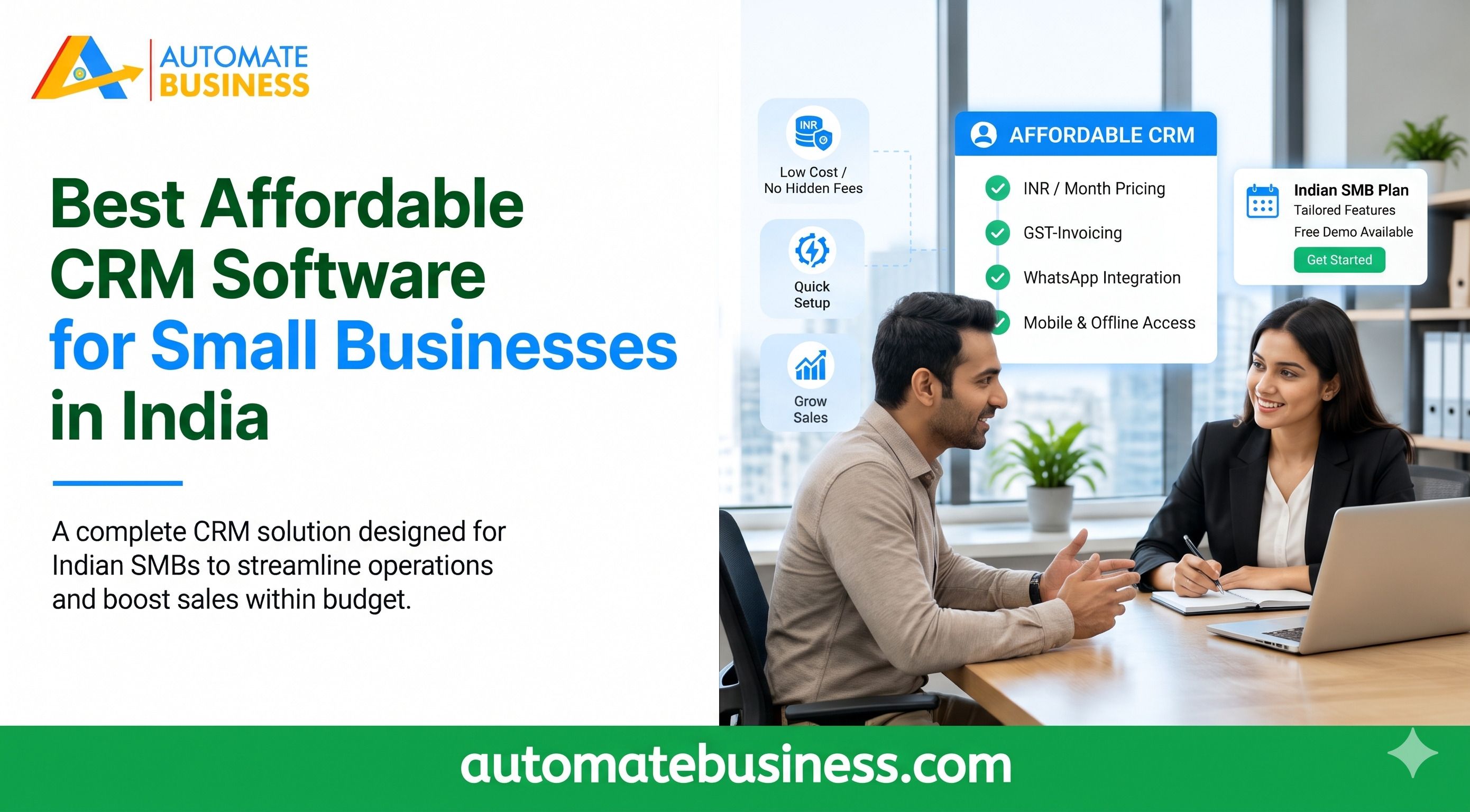
Best Affordable CRM Software for Small Businesses in India
Looking for the best affordable CRM software for small businesses in India? Compare features, pricing and unlimited-user plans with Automate CRM software
Join the Business AI Summit 2027

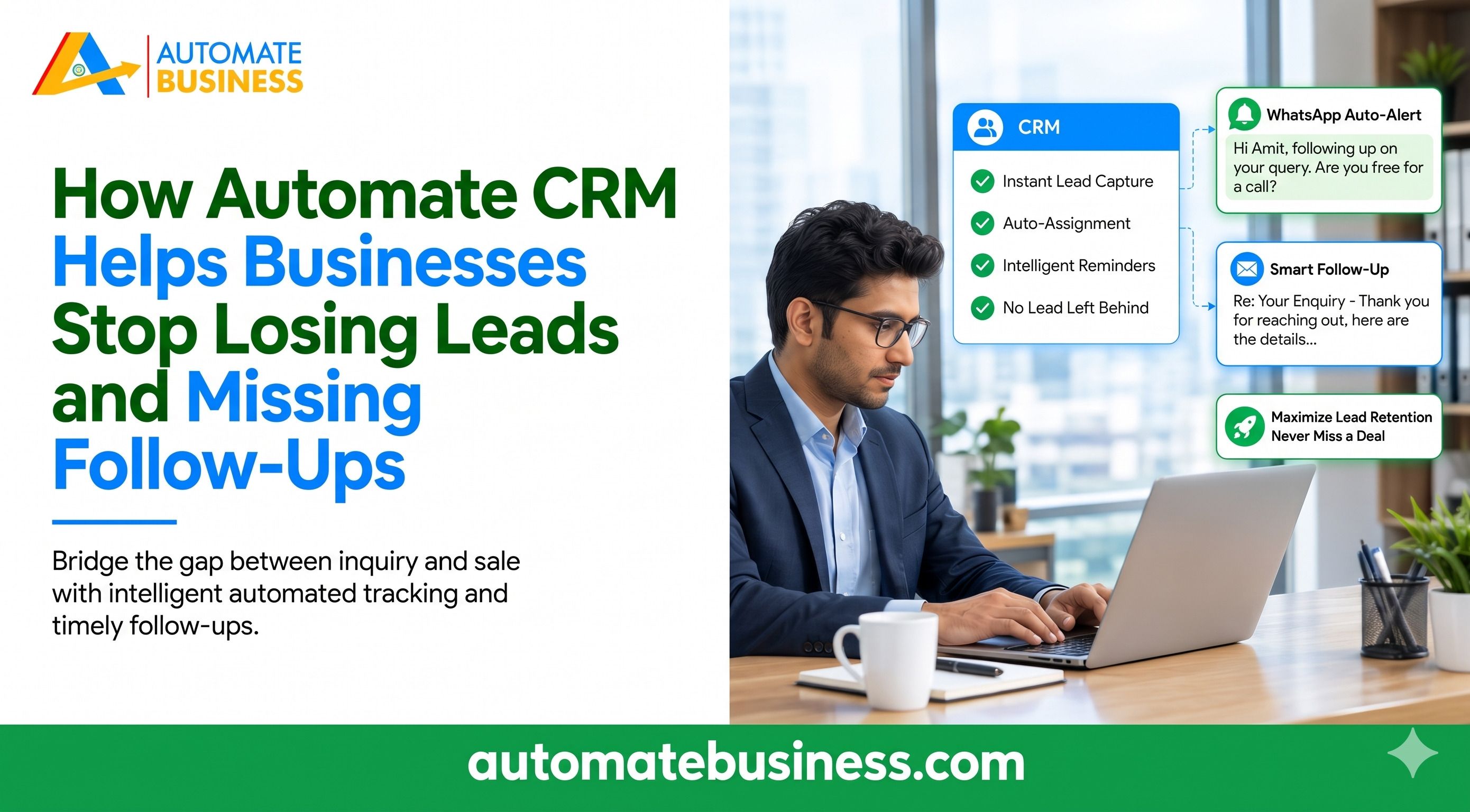
Automate CRM Software helps businesses stop losing leads by capturing enquiries automatically, scheduling follow-ups with reminders, and keeping every note and next action on one lead timeline. Managers also get clear visibility into what each salesperson is doing. This article explains why leads slip away and how a Automate CRM software fixes the problem. It covers lead capture, follow-up automation, quotations, AI tools, team visibility and pricing, so you can decide if it fits your sales process.
Why Businesses Lose Leads and Miss Follow-Ups
Most lead loss is a process problem, not a people problem. Leads arrive from many places, and nobody has one system to track them. Many teams copy leads manually from portals into spreadsheets. Follow-ups live in WhatsApp chats or notebooks, and notes are scattered across apps. Managers then have to ask for updates by phone or message. Any gap in this chain means a missed callback, and a missed callback often means a lost sale.
A Real Example of Lead Loss
One CEO quoted on the Automate CRM software page said the business was losing about 30% of its India MART leads because follow-ups were manual. After switching to Automate CRM software, lead-to-deal conversion rose by 45% in three months. This is one customer’s reported result, so results will vary by business. Still, it shows how much revenue can sit in slow or forgotten follow-ups.
How Automate CRM software Captures Every Lead Automatically
The first step to stopping lead loss is making sure no enquiry goes unrecorded. Automate CRM software brings leads into your pipeline from the sources you already use.
You can import leads, contacts and products from CSV with field mapping and a preview. Growth AI connects India MART and Facebook Lead Forms and lets you choose the destination pipeline.
Scale Max adds Trade India, API access and outbound webhooks. Plan access, provider setup and separate usage charges apply.
Keep Customer History in One Place
Every lead has a timeline with notes, attachments, tasks and follow-up history. You can manage leads, contacts, companies and products with custom fields, tags and owners. Your team can switch between list and Kanban views. Anyone who opens a lead sees the full story without asking a colleague.
How Automate CRM Stops Missed Follow-Ups
Follow-ups are where most deals are won or lost. Automate CRM software schedules them, filters them and reminds your team automatically. Reps can see who needs a call today and which leads have a next action scheduled. The pipeline board shows tags such as “Follow up today” and “Next action scheduled,” so nothing hides in a chat thread.
Automation When a Lead Changes Stage
On Growth AI and Scale Max, the CRM can act when a lead moves to a new stage. It can create follow-ups and tasks, or send WhatsApp and email templates. Messaging requires a configured provider. You can connect WhatsApp Business or Automate Chats, plus Gmail, Outlook, Zoho Mail or SMTP.
Built for Inside and Field Teams
Inside sales teams work faster with templates, filters, bulk actions and reminders. Field sales teams can update leads, follow-ups, notes and next actions from mobile while on the move. This means updates happen in the moment, not hours later from memory.
Turn Follow-Ups Into Quotations and Payments
Losing leads does not only happen at the start. Deals also stall after the first conversation, when quotes are sent outside the CRM and payment is chased separately. On Growth AI and Scale Max, Automate CRM software lets you prepare quotations with products, charges and payment terms. You can export PDFs and create Razor pay payment links. A confirmed payment can move the lead to Won automatically. Quotation, communication and stage movement stay in one workflow.
Use AI to Save Time During the Sales Day
Busy teams often miss follow-ups because they lack time to review every lead. AI tools help reduce that load. Automate CRM software can summarize lead activity, draft emails and build pipeline templates. A sample AI lead summary on the product page reads: a customer wants bulk pricing for 500 units, so send the quote today. Growth AI includes the AI pipeline builder, sales assistant and Bolna AI calling. Scale Max adds Sarvam AI, plus Exotel and Voxbay calling with call logs. AI access depends on permissions, credits and provider setup.
Give Managers Full Visibility Into Every Lead
Missed follow-ups often stay hidden until a deal is already gone. Automate CRM gives managers a live view so they can step in early. You can review pipeline value, follow-ups and collections by owner, pipeline and date. The product page also points to 100% lead tracking visibility, so every enquiry, stage movement, note and next action stays traceable.
Control Who Sees What
Every plan has unlimited users. Starter includes basic roles and permissions, and Growth AI and Scale Max add advanced permissions. This helps branch-led and multi-team businesses give each person the right access without exposing every record to everyone.
Who Benefits Most From Automate CRM software?
Automate CRM software is built for owners, sales managers, inside sales teams and field teams in growing MSMEs. It also suits multi-product businesses that need separate pipelines and custom fields.
Several industries use it for lead management:
Automate CRM software uses a fixed workspace price with unlimited users on every plan. Prices exclude GST, and 18% GST applies to India (INR) prices at checkout.
New workspaces can start a 7-day trial without a credit card. After the trial, a paid plan is required to create, edit or delete records.
Frequently Asked Questions
Final Thoughts
Leads are lost when sales run on spreadsheets, chat threads and memory. Automate CRM Software replaces that with automatic lead capture, reminders, pipelines, quotations and clear manager visibility. Start with a plan that fits your process and grow from there. Book a demo of Automate CRM software to see how it fits your sales workflow.
Get more insights every week. Join Kewal's free WhatsApp community for live sessions and automation tips.
Join 12,000+ MSMEs who automated their business. Join the 2 day live hackathon today.