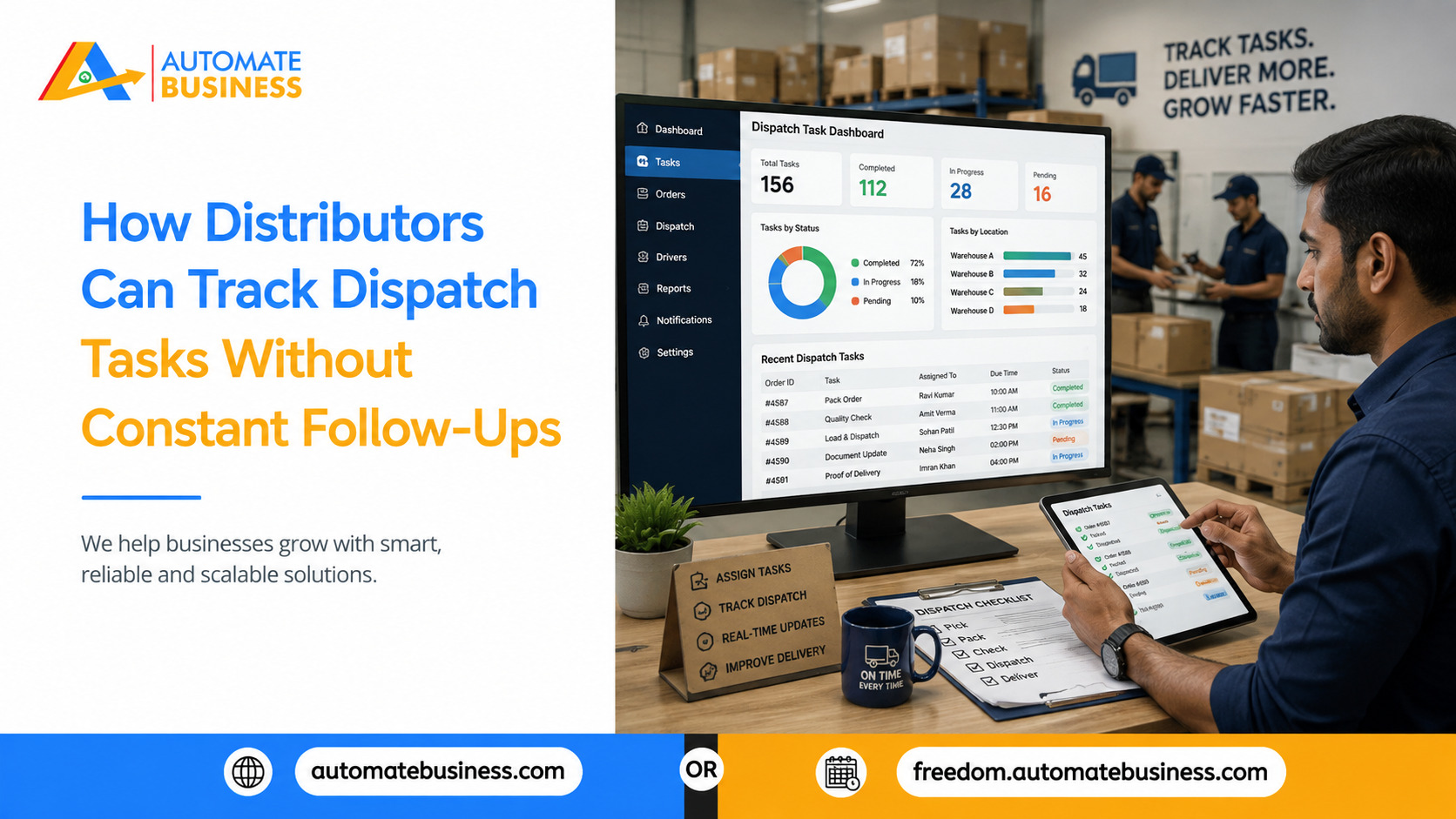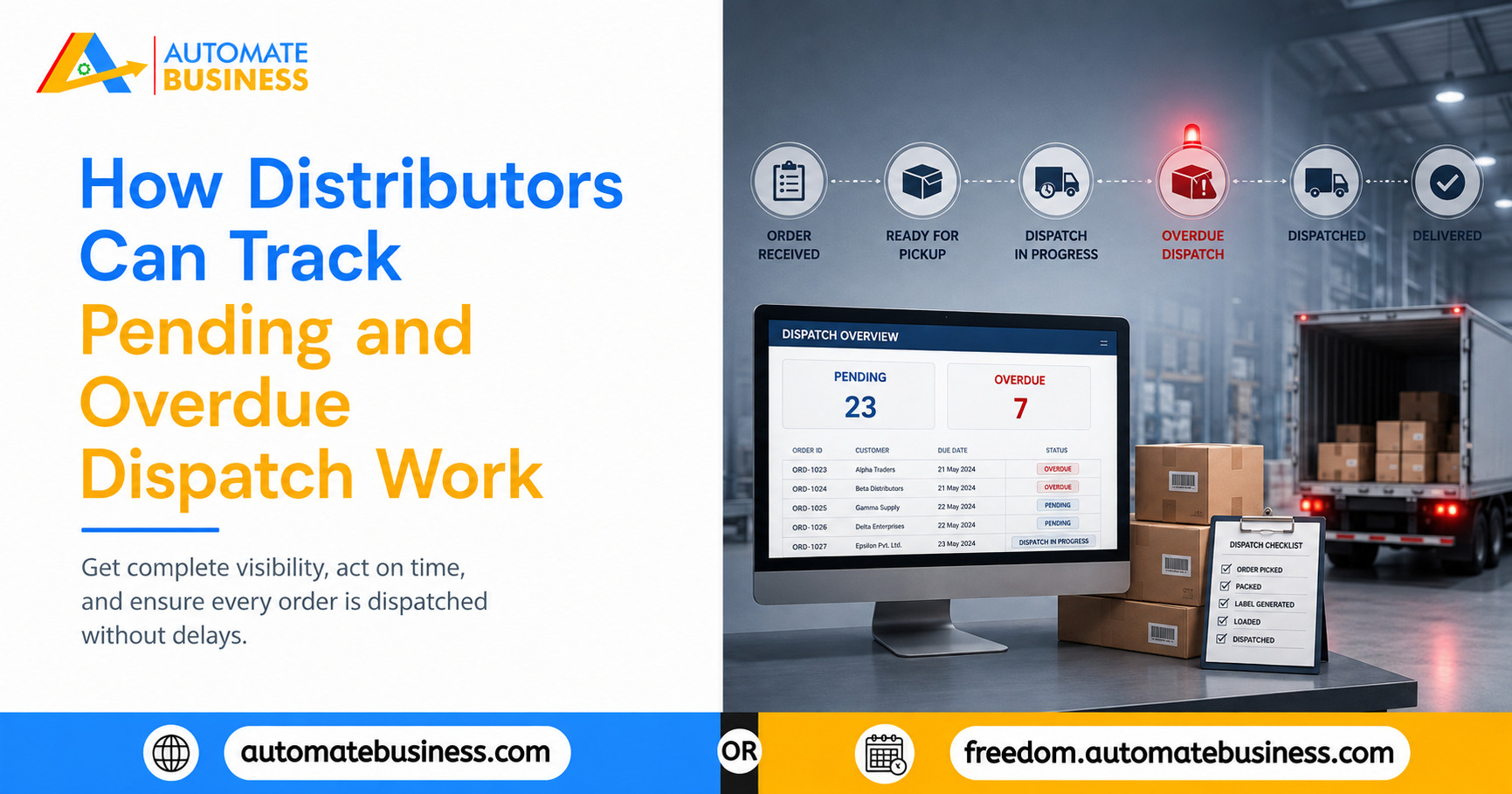
How Distributors Can Track Pending and Overdue Dispatch Work
Learn how distributors can stop dispatch delays by tracking pending and overdue work with WhatsApp reminders, dashboards, and Automate Task Management.
Join the Business AI Summit 2027

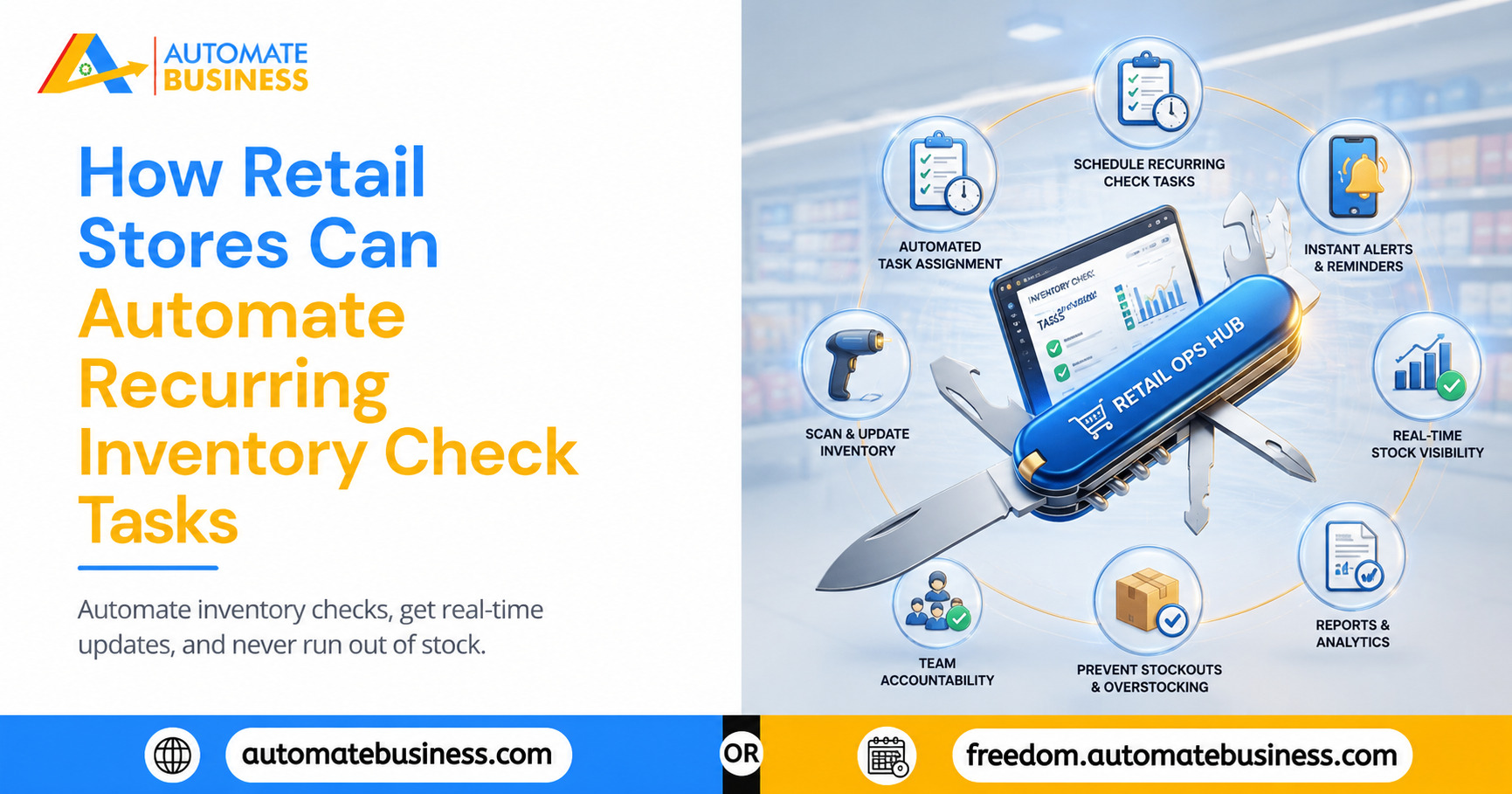
Inventory control is the quiet discipline behind every well-run retail store. When shelves are properly stocked, products are in the right locations, expiry dates are checked, and damage assessments are done on schedule the store runs smoothly and customers find what they came for. When these checks are missed, skipped, or done inconsistently, the problems that follow are predictable: stockouts on fast-moving items, overstock on slow-moving ones, expired products on shelves, shrinkage that goes undetected, and customers who leave empty-handed.
Most retail stores know this. The challenge is not understanding the importance of inventory checks it is building a system that ensures they happen consistently, every time, without the store manager having to manually initiate and chase each cycle.
Automate Task Management by Automate Business solves this with recurring task templates that deploy inventory check tasks automatically on the right schedule, assigned to the right staff member, with the right checklist and automatic WhatsApp reminders before each due date. Trusted by 12,000+ MSMEs across India, Automate Tasks removes the management overhead of recurring task coordination and replaces the manager's manual reminder cycle with a system that runs inventory checks reliably without any initiation required after the initial setup.
Why Recurring Inventory Checks Break Down in Most Retail Stores
The recurring nature of inventory checks is precisely what makes them difficult to manage through informal systems. A one-off task can be verbally assigned and followed up individually. A task that must happen every day, or every week, or at the start of every shift for months on end cannot be sustained through individual memory and verbal assignment.
Here is how it typically breaks down. The store manager sets up a schedule daily shelf checks, weekly stock counts, monthly expiry audits. For the first two weeks, the team follows it. By week three, busy periods start displacing the checks. A delivery on Tuesday pushes the stock count to Wednesday. Wednesday is promotion day so it slips to Thursday. By month two, the weekly count happens every ten days, sometimes less.
Manager-initiated reminders carry implicit dependency the task happens when the manager reminds, not because the system ensures it. When the manager is occupied or on leave, the reminders stop and the checks lapse.
The only system that produces consistent recurring completion is one that initiates tasks automatically, reminds staff automatically, and escalates when tasks are overdue without manager involvement after the template is set up.
What Automating Recurring Inventory Checks Actually Means
Automating a recurring inventory check means creating it once as a template with the schedule, the assigned staff member, the checklist, and the reminder configuration and having the system deploy that task every time it is due.
The manager does not need to remember that the Tuesday morning shelf check is due. The system creates the task, assigns it to the right floor staff member, sends a WhatsApp reminder before it is due, and alerts the manager if it is not marked complete on time. The check happens on schedule, or the manager is informed of the exception in time to act.
Automate Tasks delivers this through recurring task template functionality a one-time setup that drives consistent execution indefinitely, across every inventory check the store needs to run.
Inventory Check Tasks That Benefit Most From Automation
Daily shelf replenishment checks ensure fast-moving items are restocked before peak hours. A task created every morning at 7 AM, assigned to a floor staff member with a checklist of high-velocity items, and due by 9:00 AM with an overdue alert to the manager if not marked complete ensures this happens without fail.
Weekly full stock counts cover quantities on hand, variance from the previous week, and items below reorder level. A recurring Monday morning task due by end of day gives the store a consistent inventory data point every week without any manual initiation.
Monthly expiry audits are critical for stores carrying food, pharmaceutical, or personal care products. A recurring monthly task with a checklist organized by aisle or category ensures this compliance-sensitive check never slips because the month was busy.
Damage and returns assessments, when structured as recurring weekly tasks rather than informal observations, produce systematic documentation of damaged goods essential for supplier claims and accurate loss accounting.
New stock receiving verification tasks, created automatically on a scheduled post-delivery window, ensure received stock is checked against the order, discrepancies are documented, and products are entered into inventory before hitting the floor.
Setting Up Recurring Inventory Check Templates in Automate Tasks
Creating a recurring inventory check template in Automate Tasks takes a few minutes and runs indefinitely after setup. The manager sets the recurring schedule daily, weekly, monthly, or custom and configures the template.
The task gets a clear title, a description with context for the staff member (which sections to cover, what to record), and a checklist of individual verification steps. For a shelf replenishment check, the checklist might include: check snack section, check beverages, check household essentials, flag any items below five units, photograph empty shelf positions. Each item is independently ticked giving the manager visibility into what was actually checked, not just a single "complete" status.
The assignee field names the specific staff member not the shift, not the team. The deadline matches the operational requirement. The WhatsApp reminder is configured to send at a defined interval before the deadline.
Once saved, the task is created automatically every time it is due. The manager is not involved in any subsequent cycle.
WhatsApp Reminders and Overdue Escalation for Inventory Tasks
WhatsApp reminders work because they reach the staff member on the device they are already using throughout the shift. A reminder at 7:00 AM saying "Shelf replenishment check due at 9:00 AM please complete and mark done" is seen and acted on before the deadline without depending on the manager being present or the staff member remembering from the previous day's briefing.
Overdue escalation surfaces exceptions at the moment when the manager can still act. If the shelf check is not marked complete by 9:15 AM, an automatic alert goes to the manager's dashboard and WhatsApp showing which task is overdue, who it is assigned to, and how long it has been outstanding. The manager acts on real-time information, not discovering the gap when a customer complains about an empty shelf at noon.
Admin-level reminder defaults apply a consistent cadence "reminder 60 minutes before deadline, escalate 15 minutes after" to every recurring inventory check in the workspace automatically, without individual task configuration.
Checklists and Sub-Tasks for Multi-Step Inventory Audits
Inventory checks in retail are rarely a single action. A monthly expiry audit across a store with twenty product categories involves dozens of individual verification steps. A weekly stock count involves checking quantities, recording variances, identifying reorder needs, and flagging damaged items each a distinct action that needs its own completion confirmation.
Automate Tasks supports checklists and sub-tasks within each inventory task. The checklist breaks the task into itemized steps checked off individually the manager sees not just whether the task is complete, but which specific items have been verified and which remain. If a staff member was interrupted mid-check and marked it complete prematurely, the incomplete checklist items are visible on the dashboard.
Sub-tasks handle inventory checks involving handoffs a stock count the floor team starts, the inventory manager reviews, and accounts uses for reconciliation. Each stage is a sub-task with its own assignee and deadline, flowing in sequence from the parent task.
Visibility Across the Store and Across the Chain
For individual store managers, the dashboard replaces the need to track which check is due, who is responsible, and what was completed. The list view shows every open inventory task filtered by category, schedule, assignee, or status and the workspace activity feed shows what was completed and when.
For retail chains, group-based task management gives the area manager visibility across all locations simultaneously which stores completed their weekly stock count on schedule, which missed the expiry audit, which staff members have the highest completion rates without requiring individual stores to compile and send reports.
See how Automate Tasks by Automate Business helps retail stores automate recurring inventory checks with recurring templates, WhatsApp reminders, checklist tracking, and multi-store dashboards built for growing retail operations.
Get more insights every week. Join Kewal's free WhatsApp community for live sessions and automation tips.
Join 12,000+ MSMEs who automated their business. Join the 2 day live hackathon today.