Best CRM Software with Automated WhatsApp and Email Reminders
Looking for the best CRM software with automated WhatsApp and email reminders? See how Automate CRM Software automates follow-ups, quotes and payments.
Join the Business AI Summit 2027


You prevent leads from going cold by replying fast and following up on a fixed schedule, and automated CRM follow-ups make that happen without manual effort. The CRM captures each enquiry, assigns an owner, sets the next step and sends reminders until the lead responds. Automate CRM Software does this with scheduled follow-ups, stage-based automation and unlimited users on every plan. This guide explains why leads go cold, eight ways to stop it, and which plan fits your team.
Why Leads Go Cold in the First Place
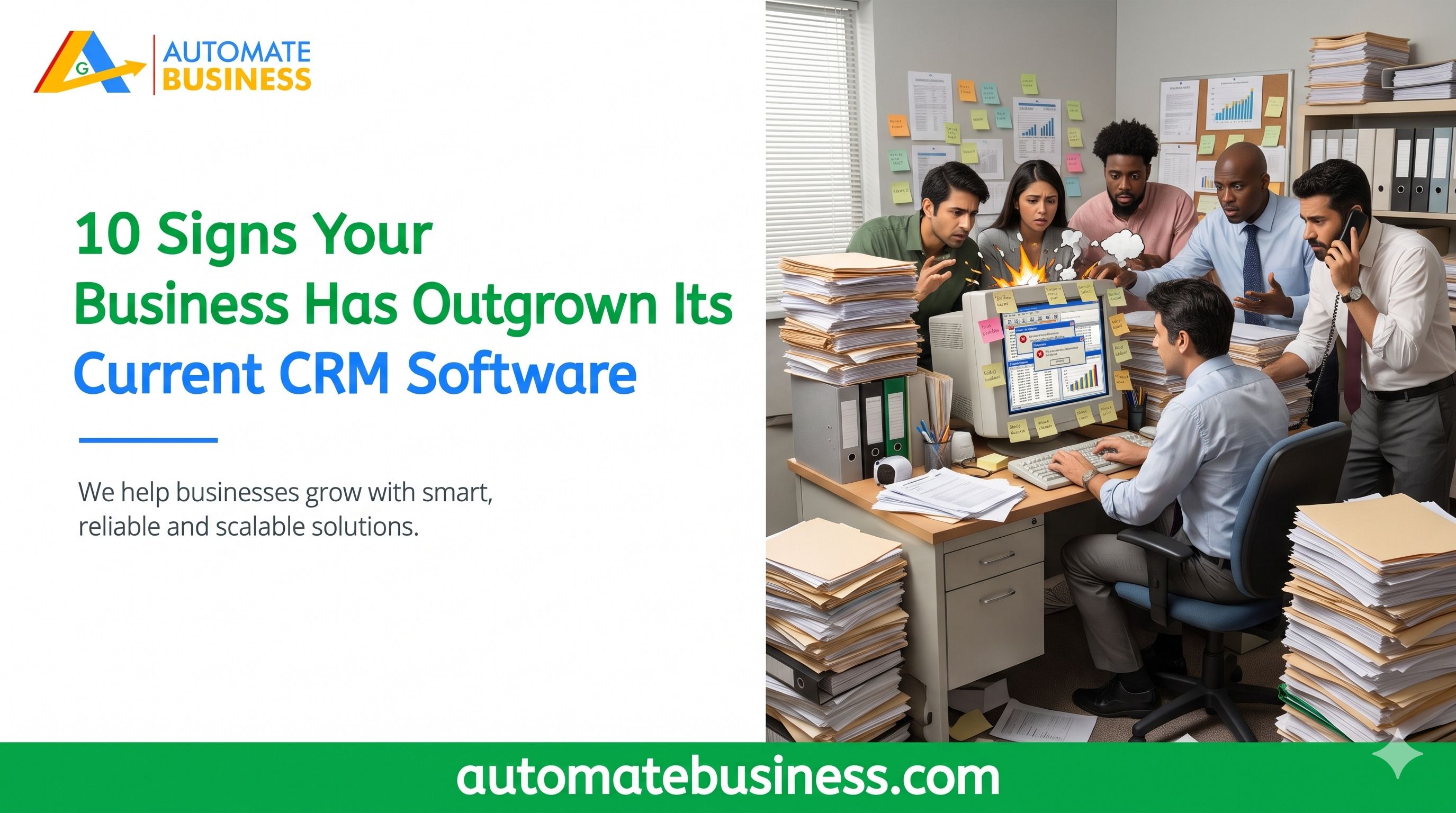
Most leads do not go cold because the buyer lost interest. They go cold because nobody followed up at the right time. A busy rep forgets a callback, and the customer moves on to a competitor.
The usual causes are easy to spot. Leads are copied manually from portals, follow-ups sit in WhatsApp chats or notebooks, and managers chase updates by hand. When reminders live outside the CRM, nothing forces the next step to happen.
One CEO featured on the Automate CRM page says his team was losing 30% of its IndiaMART leads because follow-ups were manual. After moving to Automate CRM, he reports lead-to-deal conversion rose 45% in three months. That gap is exactly what automated CRM follow-ups close.
What Are Automated CRM Follow-Ups?
Automated CRM software follow-ups are reminders, tasks and messages that the system creates for you. They trigger from lead activity, such as a new enquiry or a stage change. Your team no longer relies on memory to know who to call next.
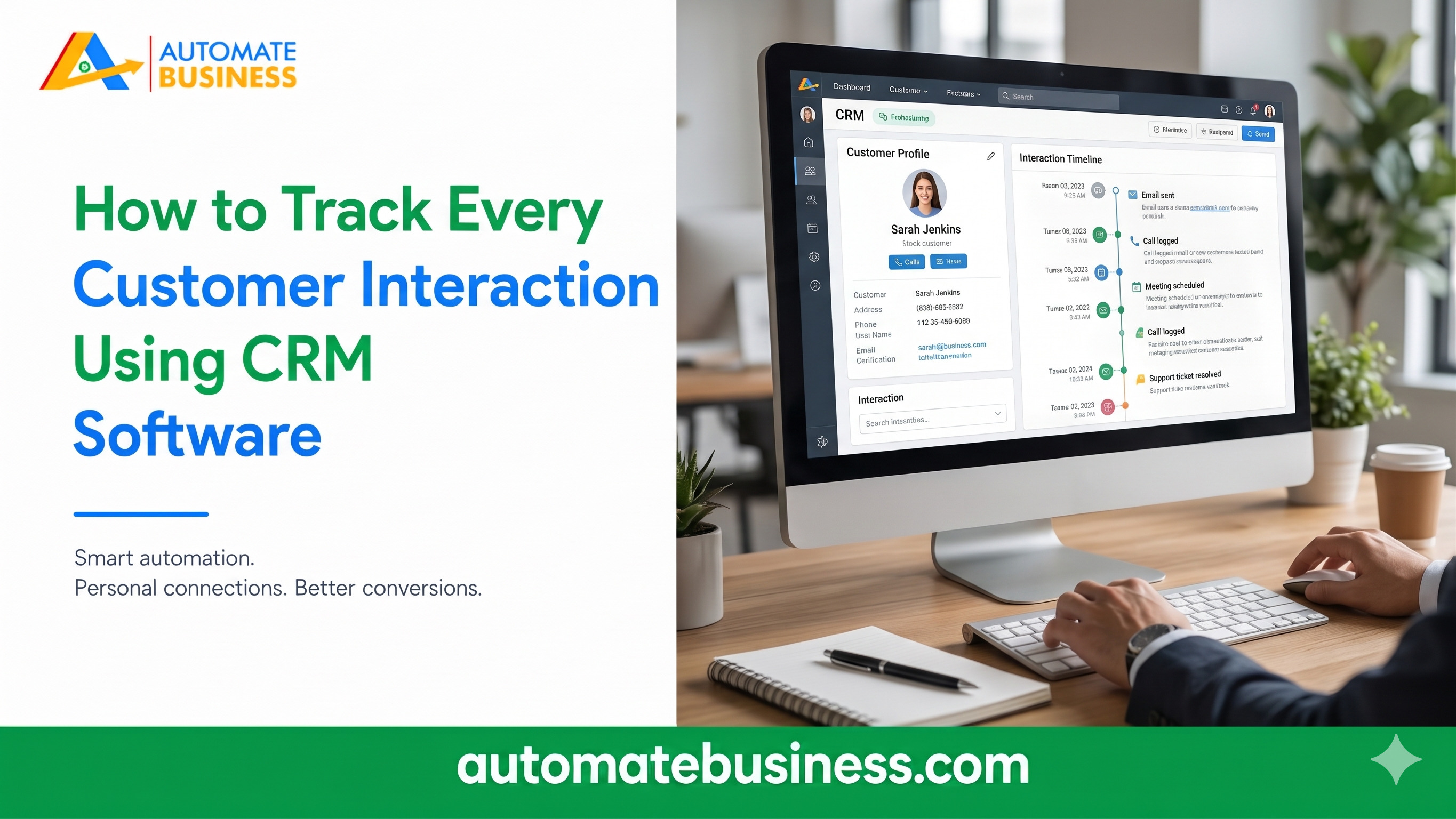
A good setup covers three things. It schedules the next action on every lead, reminds the owner on time, and sends templated messages on channels like WhatsApp and email. It also logs everything on the lead timeline so nothing is lost.
This is the core of modern sales automation. It keeps your sales pipeline moving, even on your busiest days.
Ways 1–4: Capture, Assign and Schedule Every Lead
Ways 5–8: Automate Messages, Quotes and Reviews
Build Separate Pipelines for Different Leads
One generic sales flow cannot serve every product or customer type. A bulk enquiry from a distributor needs a different follow-up rhythm than a small walk-in lead. When everything shares one pipeline, reminders become noisy and easy to ignore.
Automate CRM Software supports multiple pipelines with custom stages and role-based access. Starter has 3 pipelines, Growth AI has 10 and Scale Max has 100. Each pipeline can have its own stages, owners and follow-up rules.
Field teams can update leads, notes and next actions from mobile while on the move. Inside sales teams can work faster with list and Kanban views, filters and bulk actions. That keeps follow-up discipline strong across the whole team.
Which Automate CRM Plan Includes Follow-Up Automation?
Every plan includes unlimited users, follow-ups, lead assignment and a dashboard. Starter suits teams organizing enquiries and follow-ups, and it is billed yearly only. Automation, WhatsApp and email actions, and quotations start on Growth AI.
Growth AI is listed at $119 per month and includes 10 pipelines, Razorpay payment links and AI tools. Scale Max is listed at $203 per month and adds custom reports, Exotel and Voxbay calling with call logs, API access and webhooks.
Enterprise is arranged with sales for needs beyond Scale Max. Prices exclude GST, and rates can change, so check the Automate CRM software pricing page. New workspaces can start a 7-day trial without a credit card.
How to Set Up Automated CRM Follow-Ups in Four Steps
Setup is simple when you take it in order.
Automate Business software reports that teams save 2+ hours a day on manual tracking. Case studies on the site also cite 1.5x to 1.6x revenue growth with stronger follow-up discipline.
Frequently Asked Questions
Final Thoughts
Leads go cold when follow-ups depend on memory. The fix is a system that captures every enquiry, assigns an owner and reminds your team at the right time. Automate CRM Software brings these automated CRM follow-ups together with WhatsApp, email, quotations and AI. Book a demo or explore the Automate CRM features to see how it fits your sales process.
Get more insights every week. Join Kewal's free WhatsApp community for live sessions and automation tips.
Join 12,000+ MSMEs who automated their business. Join the 2 day live hackathon today.