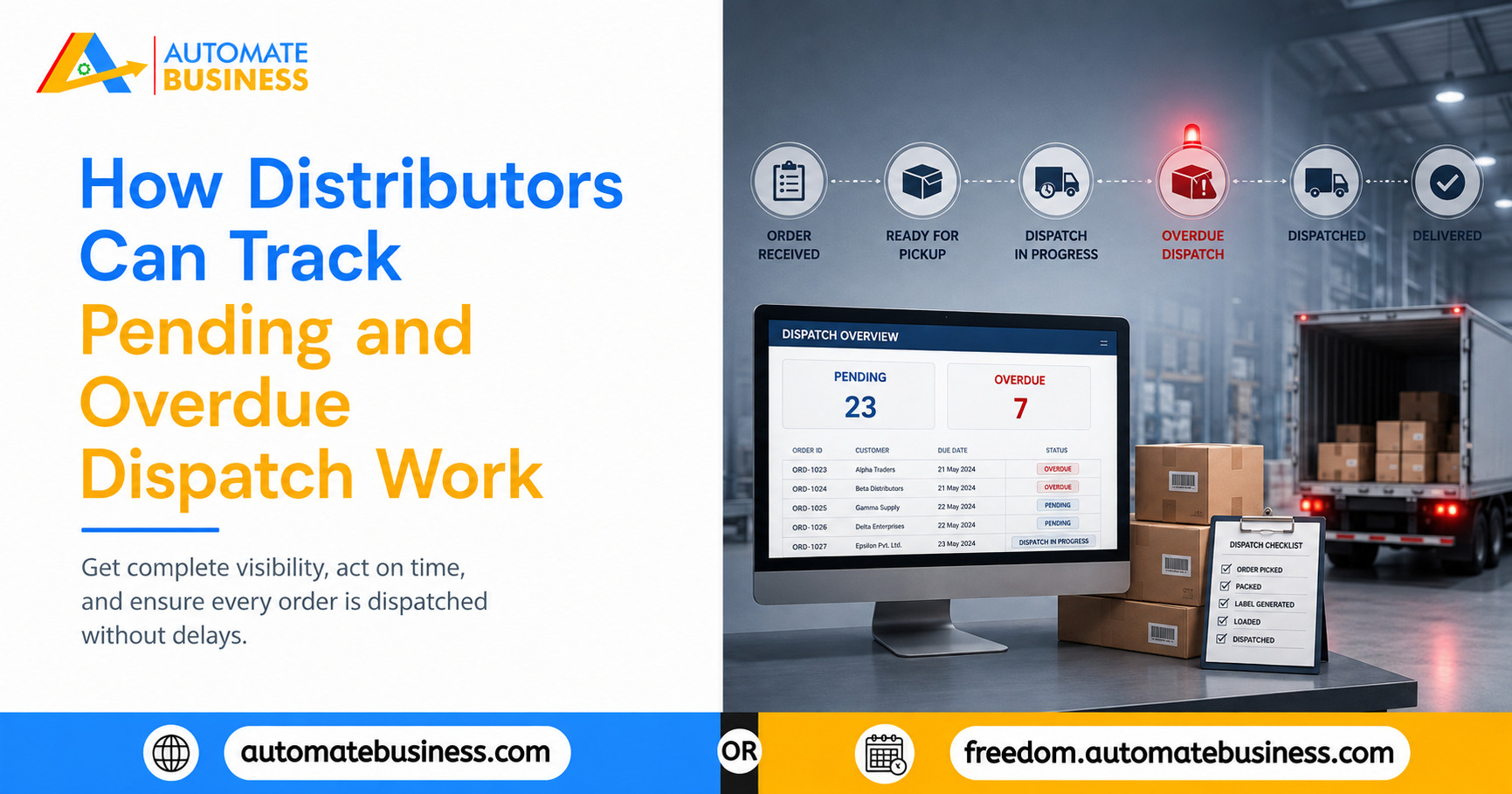
How Distributors Can Track Pending and Overdue Dispatch Work
Learn how distributors can stop dispatch delays by tracking pending and overdue work with WhatsApp reminders, dashboards, and Automate Task Management.
Join the Business AI Summit 2027

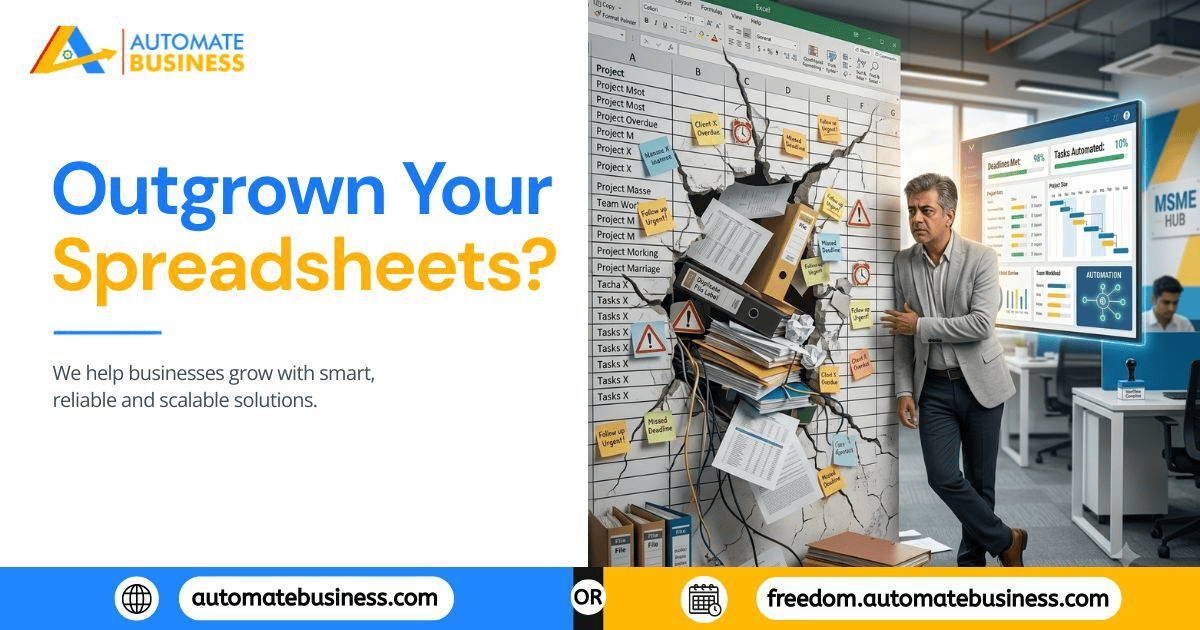
The Spreadsheet Was Never the Problem. The Growth Is.
Every business starts somewhere simple. A shared Excel sheet with task names, owners, and due dates feels perfectly adequate when you have six people and twenty tasks a week. Nobody questions it works.
But spreadsheets weren't built to track live, moving work across a growing team. They're built for static data. The moment your business adds people, branches, or complexity, the cracks start showing usually in ways that feel like individual mistakes rather than a systemic problem.
If you're an MSME owner wondering whether it's time to move on, here are seven clear signs your business has already outgrown spreadsheets for task management and what a purpose-built system like Automate Tasks actually does differently.
1: You're Asking "Is This Done? More Than Once a Day
If a meaningful part of your day involves messaging or calling people to confirm task status, your tracking system has already failed its basic job. A spreadsheet doesn't notify anyone when something is overdue it just sits there, accurate only at the moment someone last updated it.
What this costs you: Time. Owners managing 15-20 people often lose an hour or more daily to manual status checks that a system should handle automatically.
The fix: A system where every task has automatic WhatsApp and email reminders, so follow-ups happen without anyone having to ask.
2: Two Different People Have Two Different Versions of What's Pending
Ask your operations head what's overdue, then ask a team member the same question. If you get two different answers, your data isn't a single source of truth anymore it's a guessing game with multiple players.
This typically happens because spreadsheets get duplicated, copied into new tabs, or updated inconsistently by different people, with no single live version everyone trusts.
The fix: Centralized dashboards with filters by assignee, status, priority, project, and date, so there's exactly one place not five where "what's pending" lives, updated in real time.
3: Recurring Tasks Keep Getting Missed or Recreated From Scratch
Weekly stock checks. Monthly compliance reports. Daily quality inspections. If someone has to manually copy last week's row and re-enter the same task every cycle and occasionally forgets to your spreadsheet is forcing your team to do a computer's job by hand.
The fix: Recurring task scheduling daily, weekly, monthly, yearly, or custom with holiday-skip logic built in, so routine work runs itself instead of depending on memory.
4: New Hires and Field Staff Don't Know Where to Look
A spreadsheet works fine for an office team sitting at desks. It works far less well for field staff, technicians, or branch employees who need quick mobile access and definitely not for someone halfway through onboarding who doesn't even know the file exists yet.
If your team includes people working outside a desk environment, a static spreadsheet becomes a structural mismatch, not just an inconvenience.
The fix: A system available across Web, Android, and iOS, where managers plan and review on desktop while field and branch teams update work directly from their phones all staying in sync.
5: You Have No Way to See Who's Overloaded and Who's Idle
Spreadsheets show task names and owners, but they rarely show workload at a glance. Without a visual sense of who has 12 open tasks and who has 2, it's nearly impossible to balance work fairly or spot a bottleneck before it becomes a missed deadline.
The fix: List and Kanban views, dashboard scoring, and AI-generated summaries that show completion rates, timeliness, and backlog by team member so imbalance is visible before it becomes a crisis.
6: Sensitive Information Is Sitting in a Sheet Everyone Can Edit
As teams grow, not everyone should have the same level of access. But most spreadsheets are all-or-nothing either someone can see and edit everything, or they're locked out entirely. Neither option works well for a business with multiple roles, departments, or branches.
The fix: Admin, manager, member, and custom role-based access, controlling exactly who can assign tasks, view sensitive data like billing, manage users, or delegate sub-tasks without exposing the entire workspace to everyone.
7: Growth Feels Like It's Creating Chaos Instead of Progress
This is the clearest sign of all. If adding a new branch, hire, or department makes your task tracking noticeably messier instead of just bigger, your current system isn't scaling it's straining. Spreadsheets and WhatsApp groups that worked at 8 people often become unmanageable at 40, because nothing about their structure changes as headcount grows.
The fix: A platform built around groups, templates, bulk task and user uploads, and role-based structure designed specifically so growth adds scale, not chaos.
What Replacing Spreadsheets Actually Looks Like
If two or more of these signs sound familiar, it's worth understanding what a real alternative offers not as a vague upgrade, but feature by feature.
Task Creation That's Faster Than Typing in Excel
Tasks can be created with a title, description, deadline, priority, and assignee in seconds. AI prompts and voice commands generate tasks automatically for managers who'd rather speak than type, while bulk CSV upload handles migrating an entire spreadsheet's worth of backlog in one go.
Reminders That Don't Depend on Anyone Remembering
Automatic reminders through WhatsApp and email, with reminder dates set separately from due dates, and time zone-aware delivery — removing the single biggest point of failure in spreadsheet-based tracking: human memory.
Dashboards Built for Decisions, Not Just Data Entry
Dashboard scoring, filterable views, group timelines, and AI summaries turn task tracking into something a manager can review in minutes before a meeting, instead of compiling manually from scattered updates.
Structure That Scales With the Business
Role-based access, group-based task management by branch or department, and bulk actions mean the system that works for a 10-person team also works cleanly for a 100-person, multi-branch operation without needing to be rebuilt from scratch.
Where This Shows Up Across Different Teams
Operations — handoffs and branch coordination with clear ownership, not verbal instructions
Sales teams — lead follow-ups and visit tasks that don't go cold from neglect
Service teams — dispatch, installation, and escalation tracking that doesn't live in a chat thread
Admin & HR — onboarding, recurring audits, and policy reminders that run on schedule
Founders — one dashboard showing what's pending, overdue, and completed — without chasing anyone.
Spreadsheets aren't a bad tool they're just the wrong tool for live, growing operations. If your business is showing two or more of the signs above, it's not a sign of poor management. It's a sign your business has grown past what a static sheet was ever designed to handle.
See how MSME teams across India are replacing spreadsheet chaos with Automate Tasks and building a more accountable, productive workforce.
Get more insights every week. Join Kewal's free WhatsApp community for live sessions and automation tips.
Join 12,000+ MSMEs who automated their business. Join the 2 day live hackathon today.